Connect your way
Use your local Wi-Fi network or USB tethering for the PC connection. Bluetooth is available for supported controls.
Use your Android phone as a mouse, keyboard, gamepad, microphone, or webcam, and move files between your phone and Windows PC. Connect over Wi-Fi or USB tethering, with Bluetooth available for supported controls.
Use your local Wi-Fi network or USB tethering for the PC connection. Bluetooth is available for supported controls.
Use your phone as a microphone for supported PC apps, and route audio through a compatible virtual audio cable.
Control media, share files, mirror your screen, or use your phone camera as a webcam for PC calls.
Use the arrows to browse each tool. The description changes with the screenshot.
01 / 10
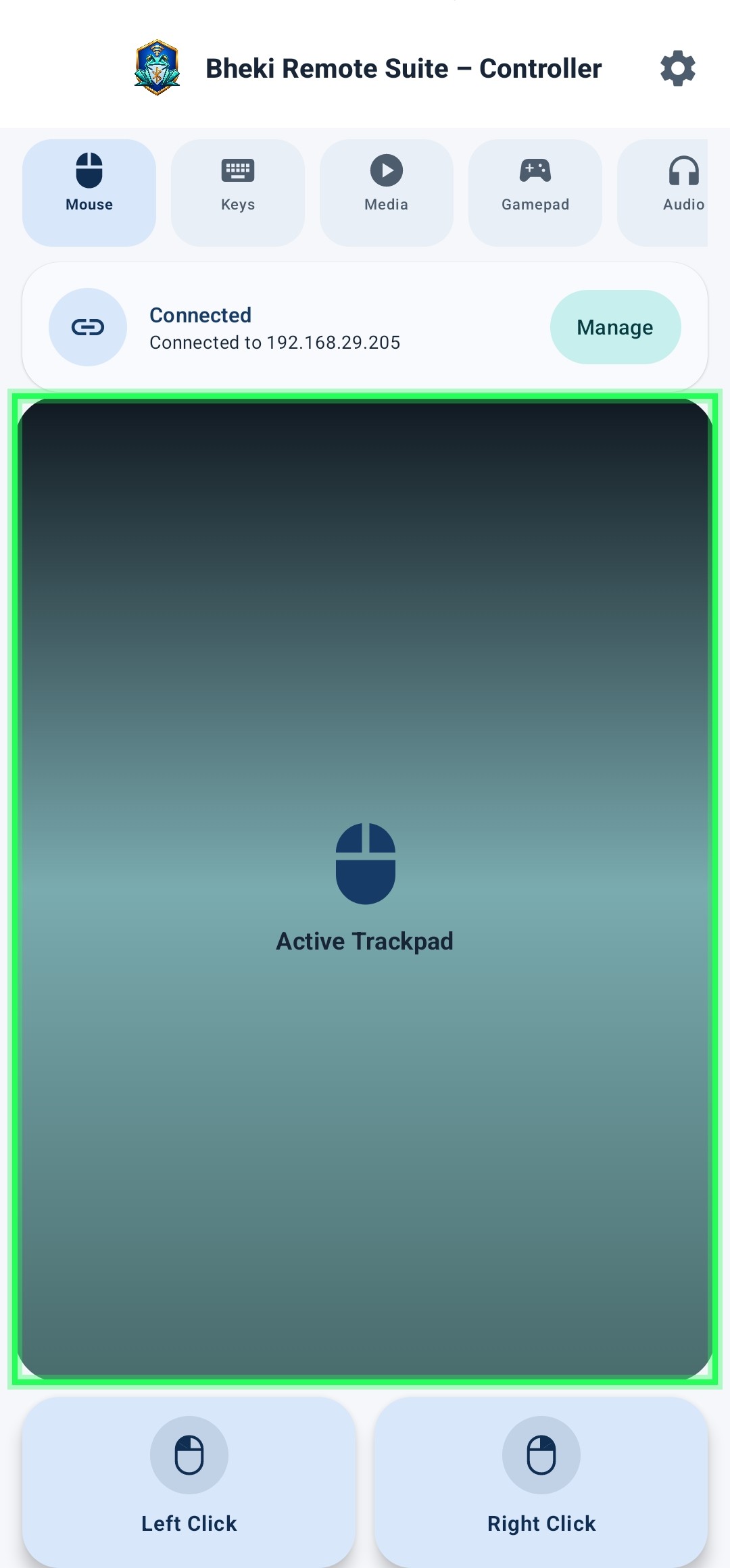
Move the PC cursor from your phone and use dedicated click controls and touch gestures.
Get VB-Audio Virtual CableDownload the Windows companion server and follow the setup guide to connect your Android device.